
Turn your ideas into a functional floor plan with AI.
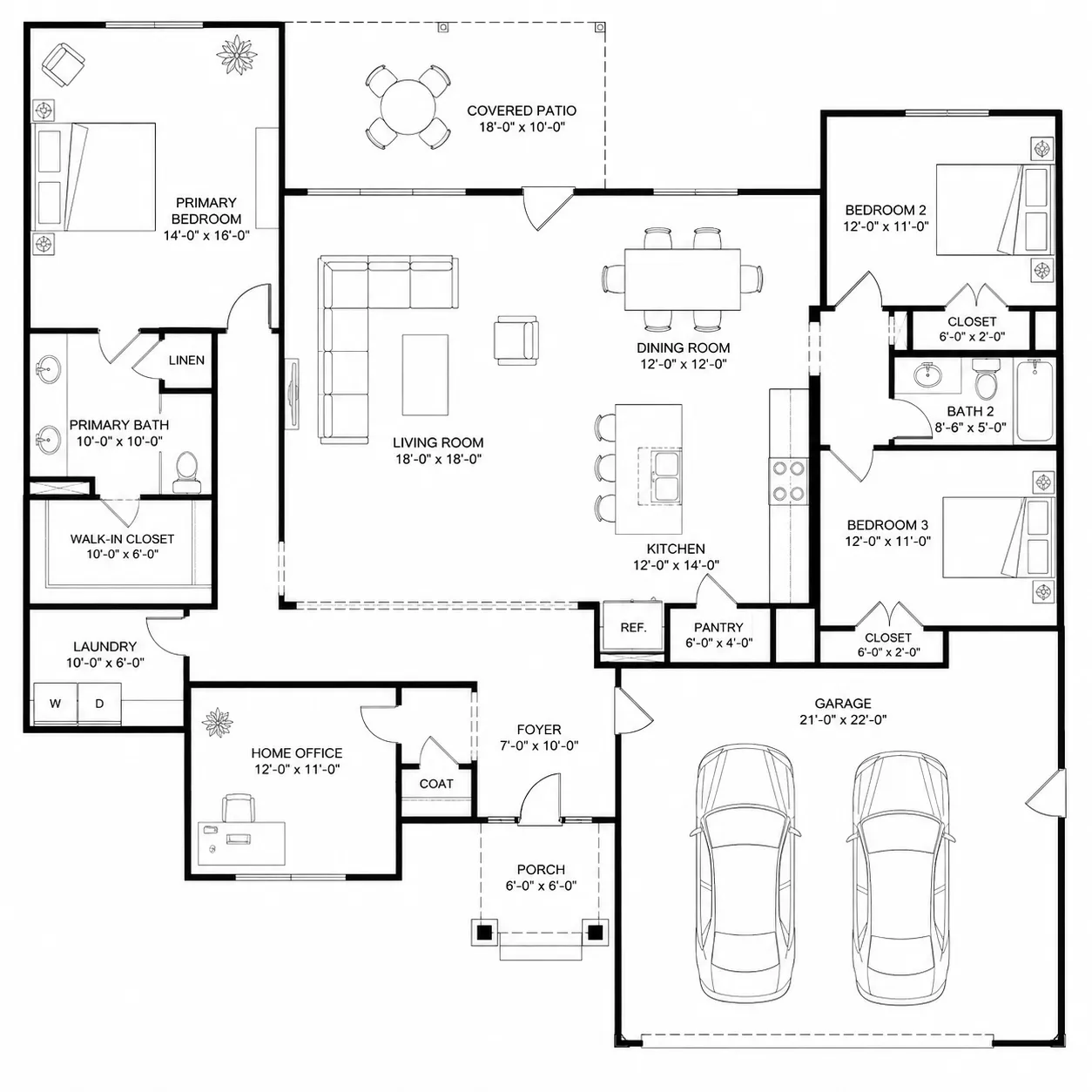
AI Floor Plan Generator Generate Floor Plans Instantly
Generate professional floor plans automatically with AI. Simply describe your rooms and dimensions, and our AI will create accurate floor plan designs for architects, designers, and homeowners.

Intelligent Floor Plan Generator Features
Harness the power of AI to design complete, accurate, and visually stunning floor plans with minimal effort.
AI-Powered Layout Creation
Generate complete floor plans automatically using AI. Just describe your space or add dimensions, and the generator creates professional layouts instantly.Switch between Room, House, and Custom modes to match any project scale.
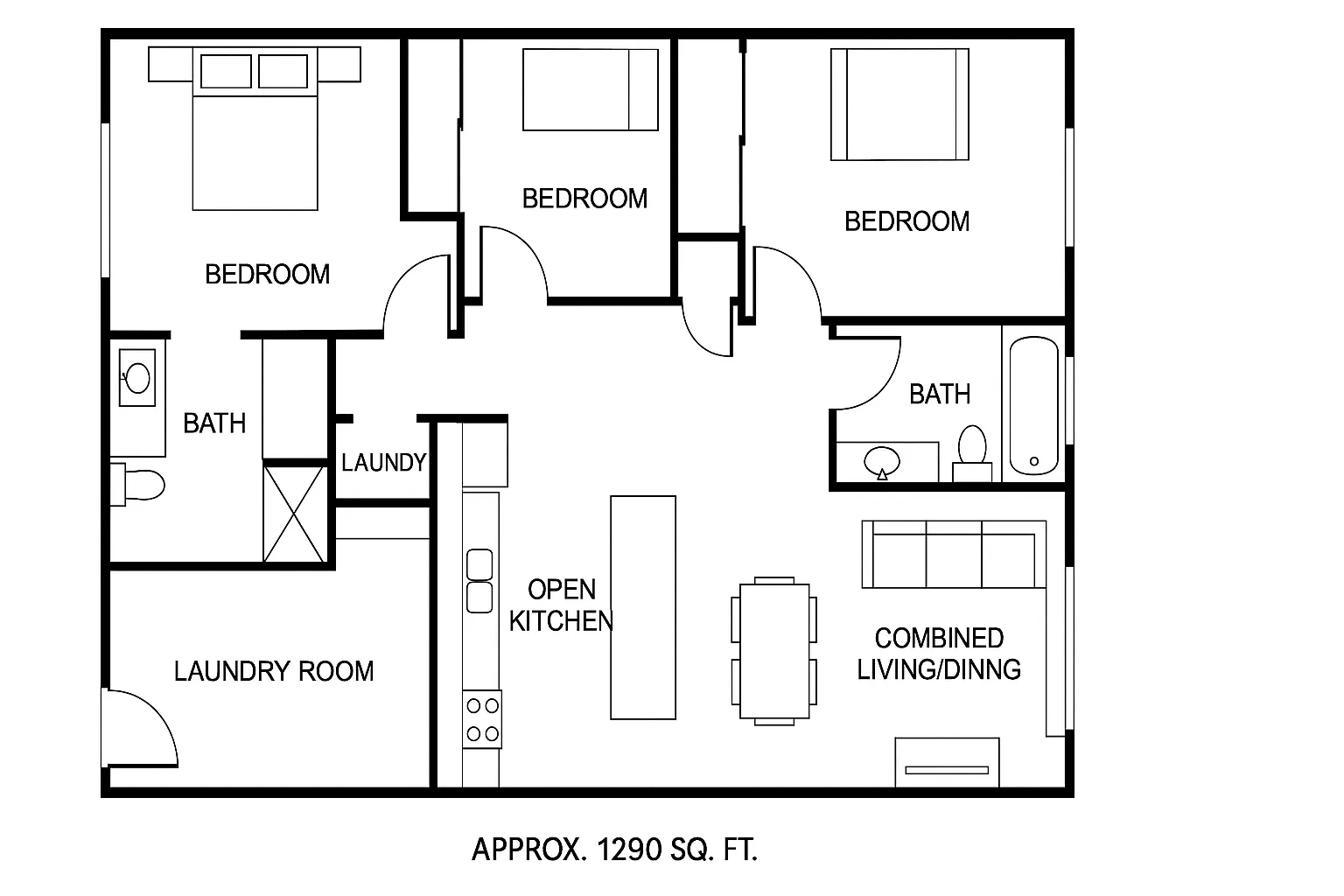
Auto Measurement Precision
Get accurate wall lengths, room sizes, and proportions automatically. The generator ensures that every layout meets real-world architectural accuracy. For a simpler 2D floor plan in standard symbolic style , try our dedicated 2D generation tool.
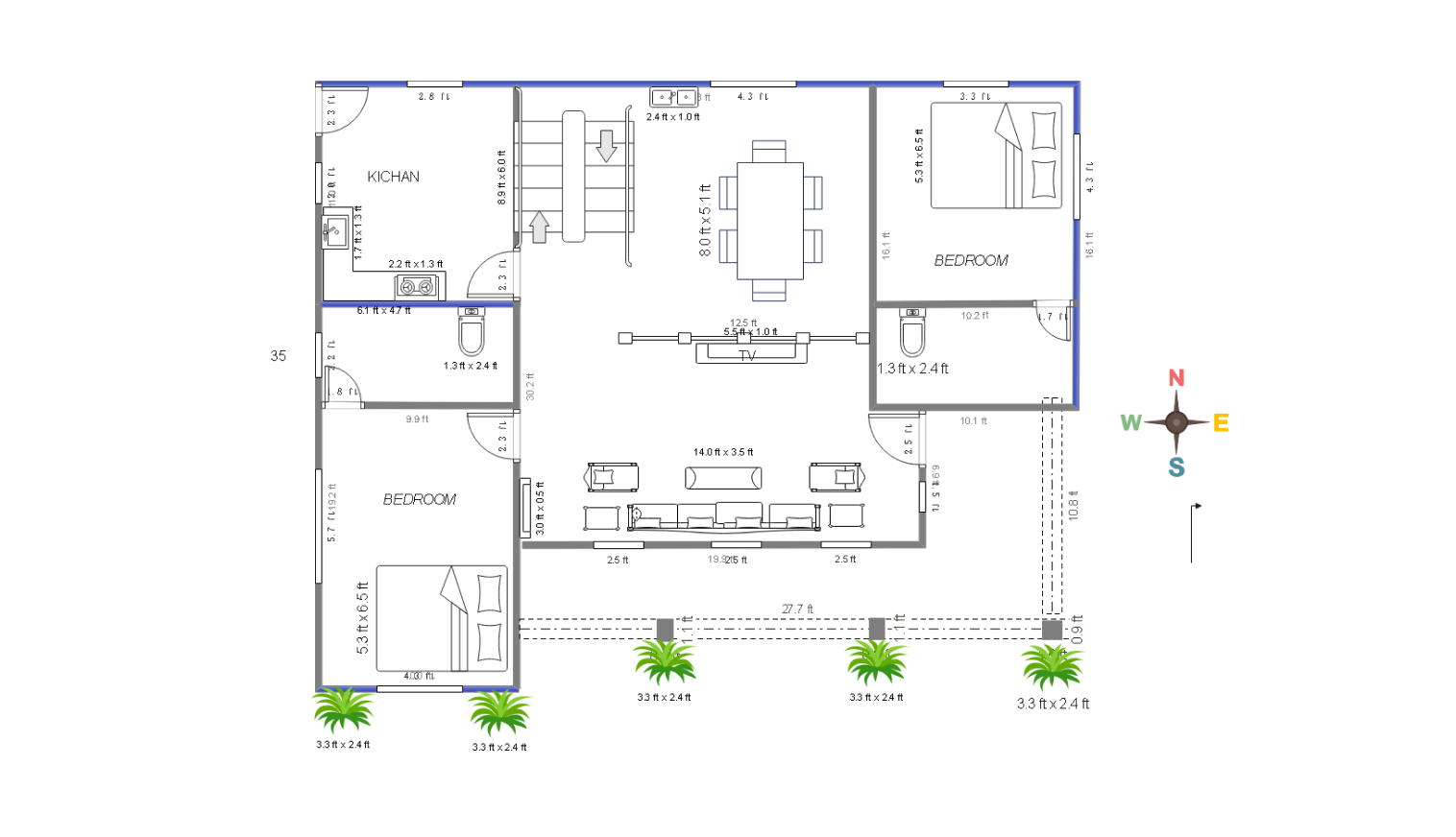
Customizable Layout Styles
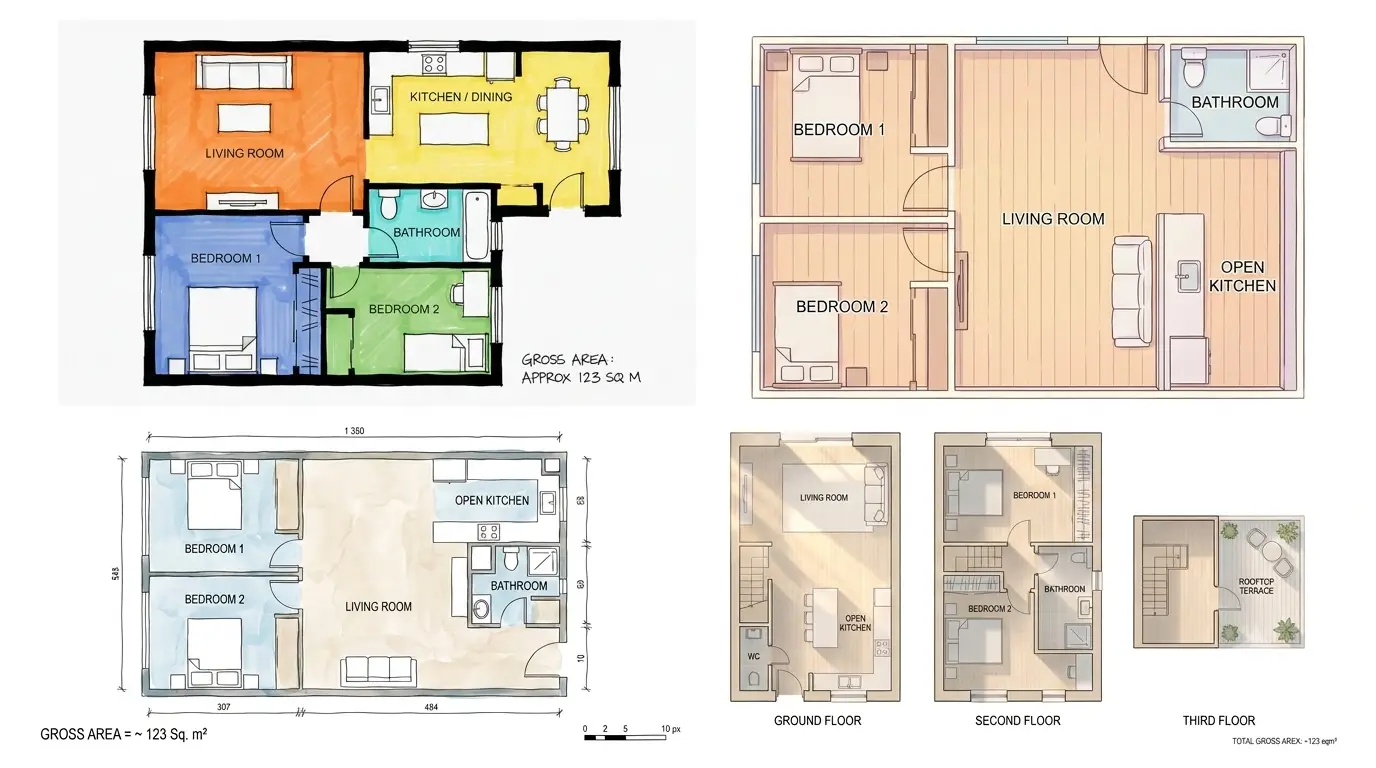
Choose from multiple floor plan styles - Technical, Anime, Watercolor, Marker pen, Collage, and Realistic - and easily adjust dimensions, labels, and symbols to fit your design vision. Once satisfied, convert to 3D for a photorealistic walkthrough of your generated layout.
Precision Manual Editing
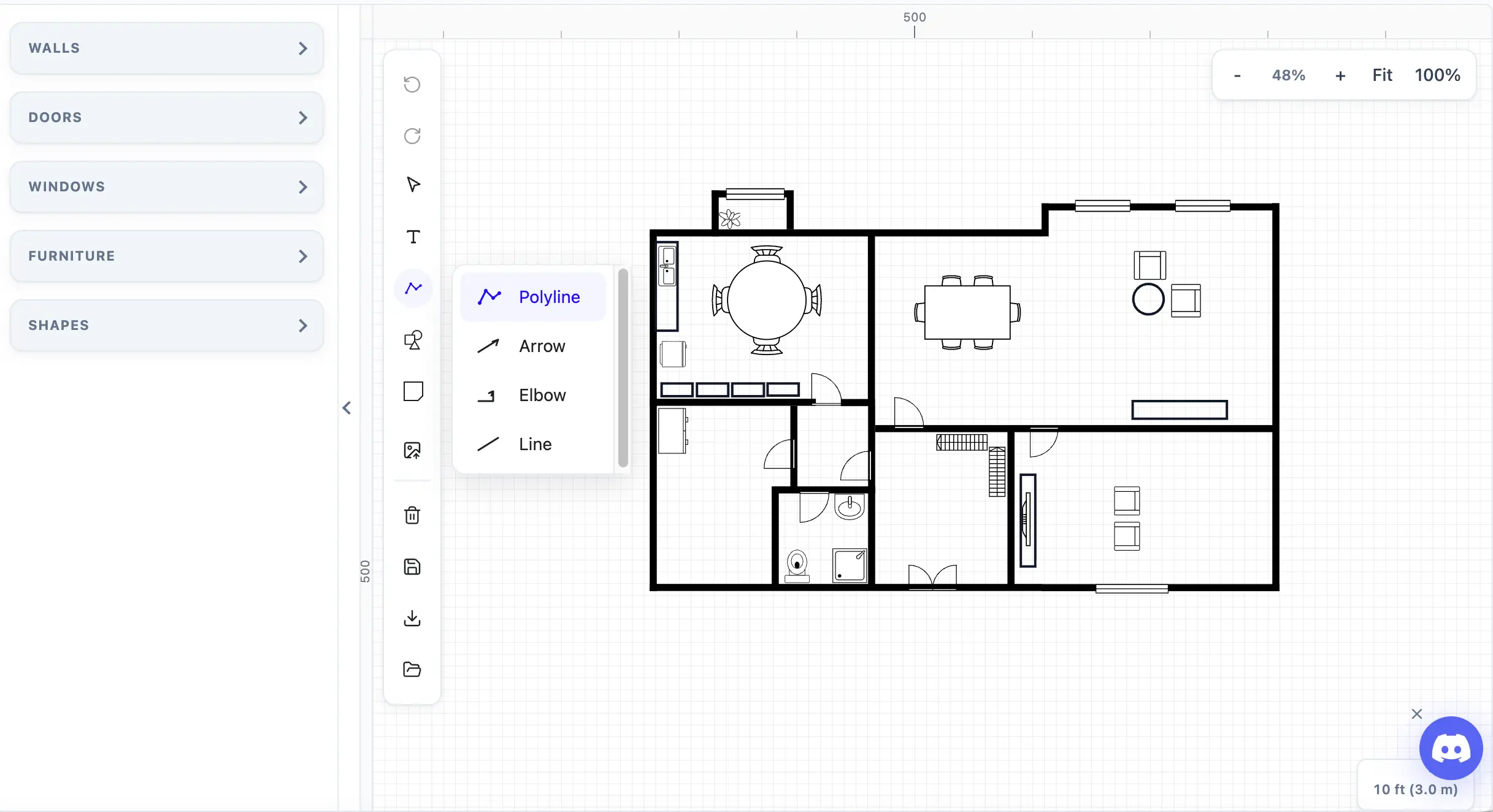
AI-generated layouts are just the starting point. Open any result in our floor plan maker to fine-tune wall positions, adjust room dimensions, or add custom elements with intuitive click-and-drag controls.
Export to PNG or DXF
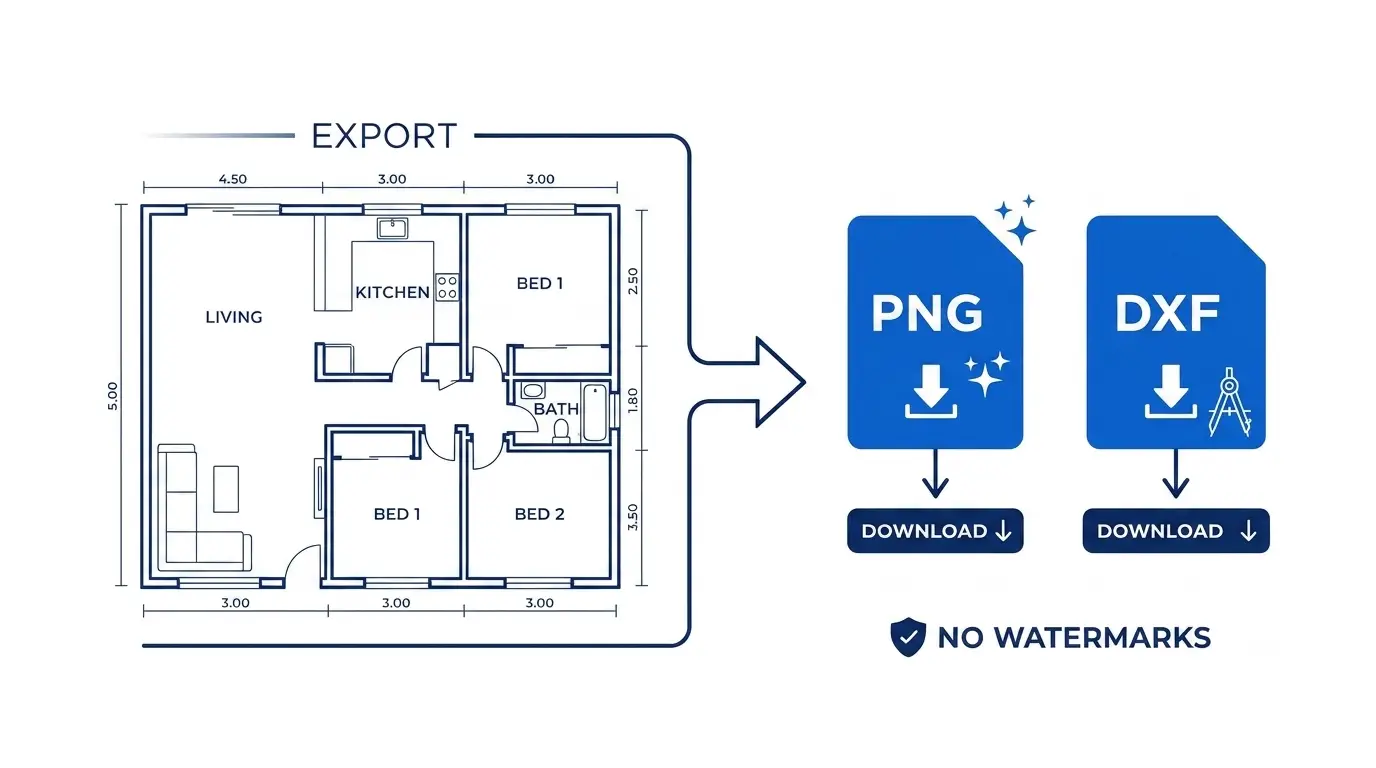
Download your generated floor plan as a high-resolution PNG for sharing and printing, or convert your floor plan to DXF for further editing in CAD tools. No watermarks.
How to Use Floor Plan Generator
Design a professional floor plan in just three easy steps
Choose a Mode and Enter Your Layout
Pick a mode — Room, House, or Custom — then enter your layout details.
Generate Your Plan
Select a model and visual style, then click Generate. Your floor plan appears in the Preview panel.
Edit and Export
Fine-tune your generated plan, customize furniture placement, then export as PNG or DXF. You can also animate your floor planto create immersive walkthrough videos.
Why Choose Our Floor Plan Generator
Built for architects, real estate professionals, and homeowners — our AI-driven generator delivers speed, accuracy, and design flexibility like never before.
Produce a complete floor plan layout in under a minute with intelligent AI-based placement.
Automatically applies realistic proportions and measurements for construction-ready results.
Start with Room, House, or Custom — then download your floor plan as PNG or DXF.
Invite teammates or clients to view and comment on your generated plans in real time.
Floor Plan Generator FAQs
Find answers to common questions about how to generate and customize floor plans automatically.
A floor plan generator is an AI-powered tool that automatically creates detailed floor plans based on room dimensions, layouts, or user inputs — eliminating the need for manual drawing.
Generate Your Floor Plan in Seconds
Join thousands of users designing smarter and faster with our AI-powered floor plan generator.