Floor Plan Editor Upload and Redesign with AI
Transform your floor plans, room photos, or sketches with AI-powered editing. Upload any image, select the area to change, describe what you want, and watch our AI floor plan editor generate a professional redesign in seconds.Free to use, no signup required.

Professional Floor Plan Editor Tools
Upload any floor plan, room photo, or sketch and redesign it with AI. No manual drawing required — just select, describe, and generate.
Powerful Floor Plan Editor Capabilities
Everything you need to upload a floor plan and design it online with AI — from upload to final redesign.
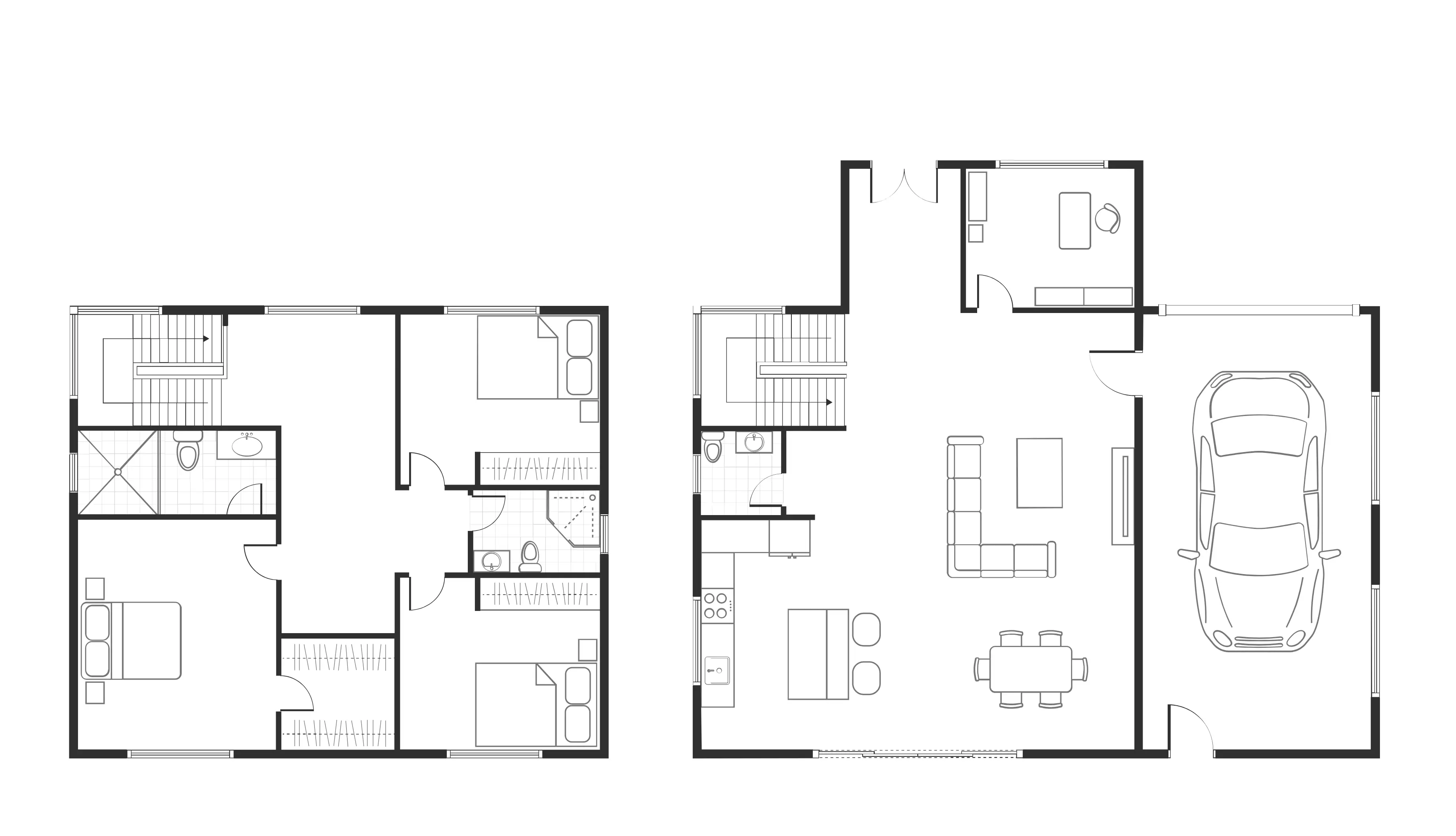
Upload Any Floor Plan Image
Drop in JPG, PNG, or PDF files up to 10MB. Whether it’s a scanned architectural drawing, a room photo, or a hand-drawn sketch, our AI floor plan editor reads the layout and prepares it for redesign — no redrawing needed.
Edit Floor Plans Online with AI Brushes
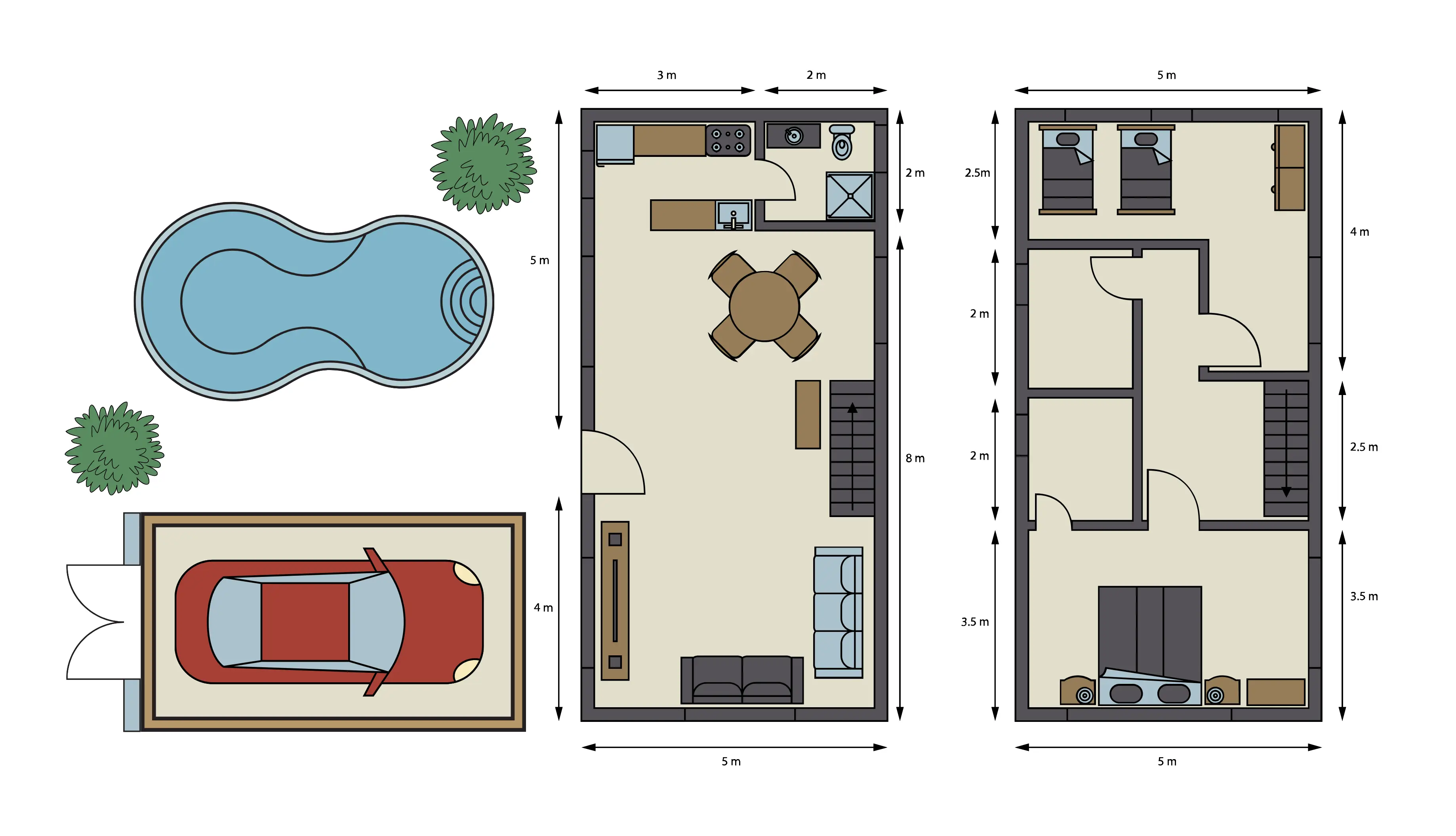
Use Circle, Square, or Lasso brushes to mark exactly where you want changes. Adjust brush size for fine details or large areas. The AI only edits the selected region and keeps the rest of your layout intact.
Edit Floor Plans with Text Prompts
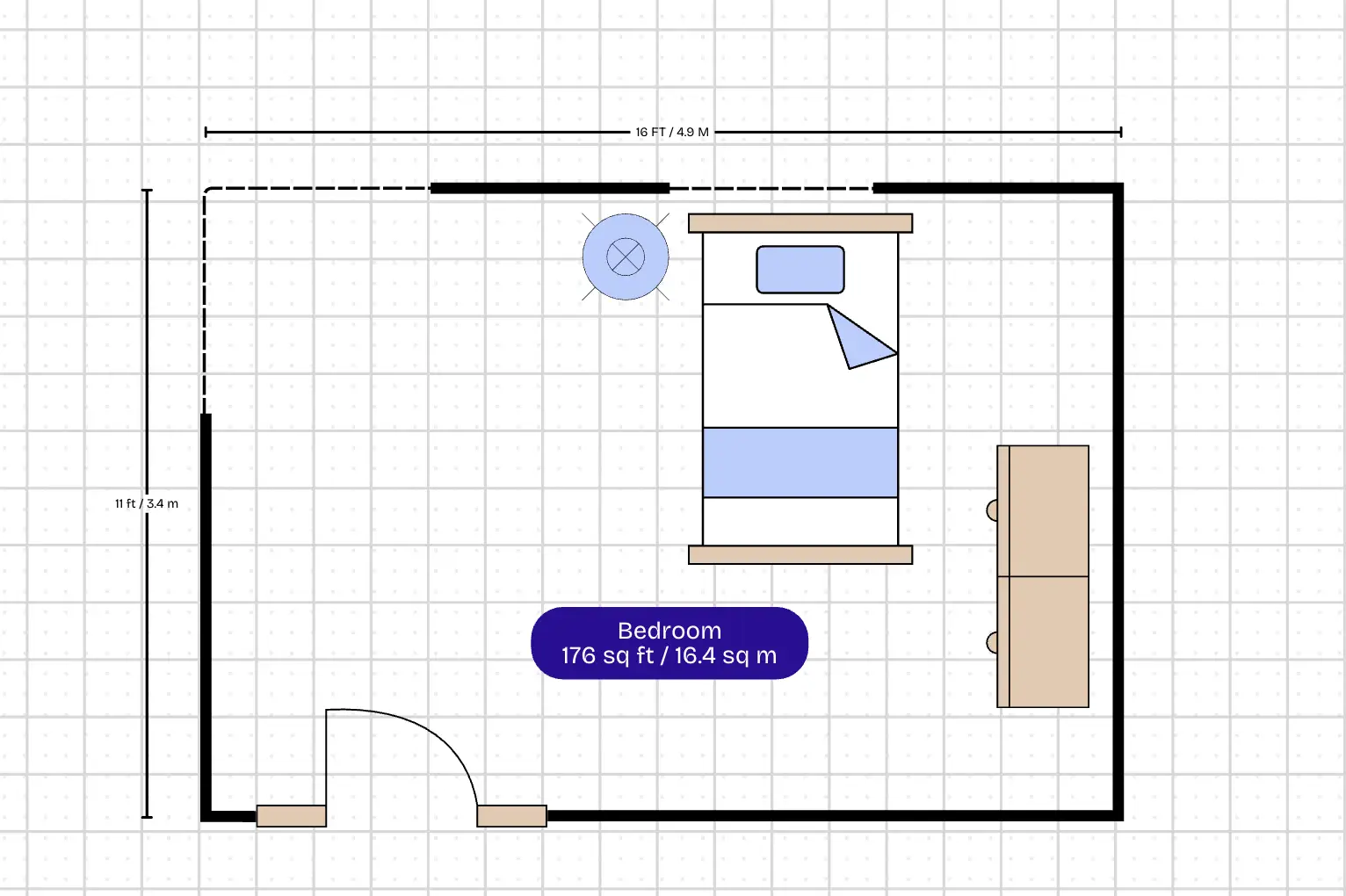
Describe the change in plain English — “remove this wall,” “add a kitchen island,” “convert bedroom to home office,” or “redesign as minimalist style.” The AI understands your prompt and applies it to the selected area.
Choose Your AI Model
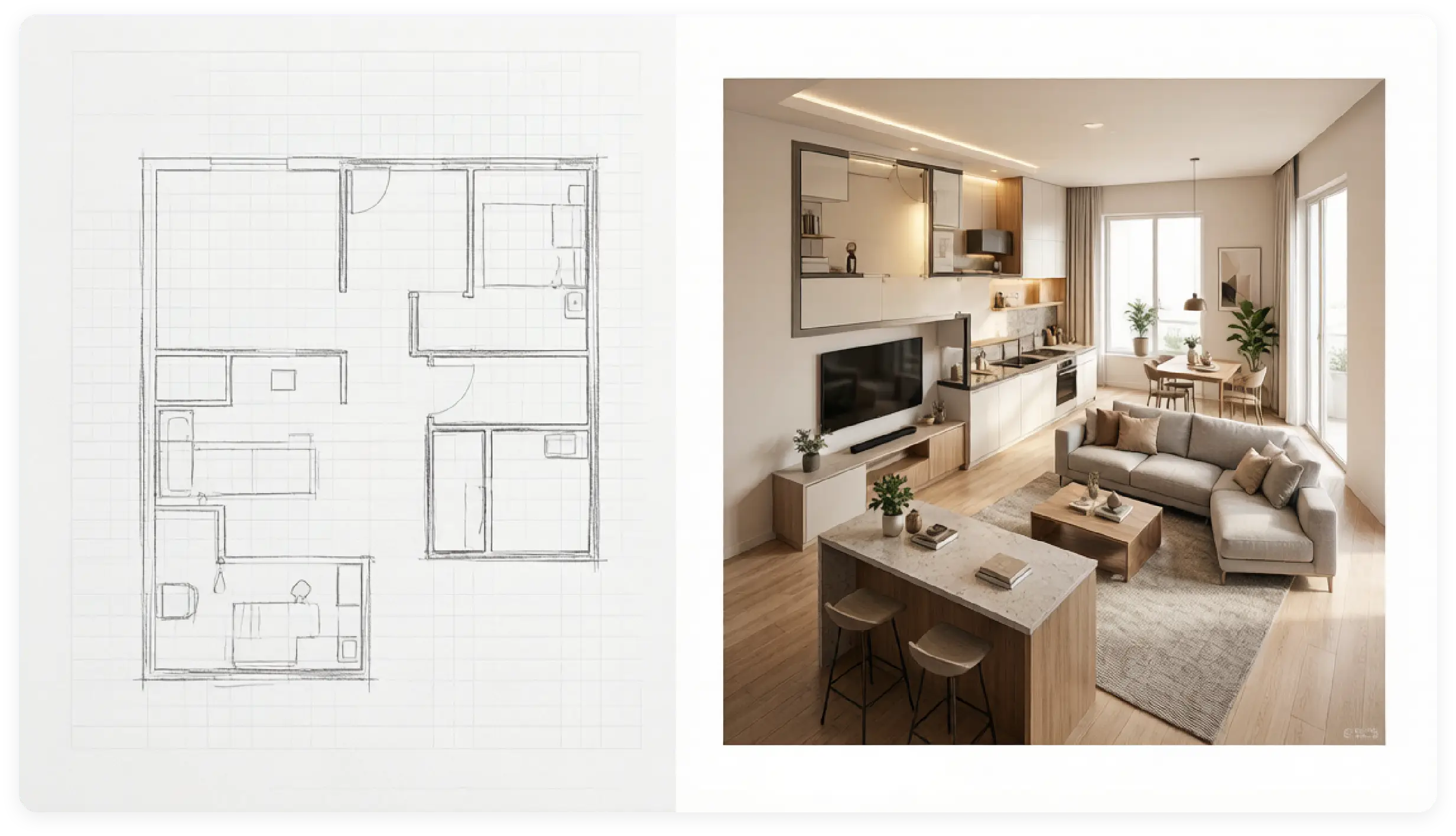
Start with the Basic model for fast layout changes and quick previews. Switch to Pro for higher-quality, photorealistic redesigns — perfect for client presentations, renovation planning, and professional work.
How to Use Floor Plan Editor
Create professional floor plans in just three simple steps
Upload Your Floor Plan
Upload your existing floor plan to start editing. Or use our floor plan creator to draw one from scratch.
Select and Describe Changes
Use the brush tools to mark the area you want to edit. Then type a short prompt describing the redesign.
Generate and Export
Click Generate. The AI creates your new floor plan in seconds. Download it in your preferred format and share with clients or contractors.
Why Floor Plan Editor Works
Transform your architectural ideas into professional floor plans with the most intuitive and powerful editing tools available. Built for architects, designers, and homeowners who demand precision and efficiency.
Create accurate floor plans with professional measurement tools that ensure every dimension is precise and meets building standards.
Work together with team members in real-time. Share, edit, and comment on floor plans simultaneously for faster project completion.
Access hundreds of professionally designed templates covering residential, commercial, and industrial projects to jumpstart your designs.
Export your floor plans in multiple formats including PDF, DWG, PNG, and interactive 3D models for presentations and construction.
Frequently Asked Questions
Everything you need to know about Floor Plan Editor and how it can help you edit and redesign floor plans.
Floor Plan Editor uses AI to edit existing floor plans, room photos, or sketches. Upload your image, use brush tools to select the area you want to change, type a prompt like ‘open up the kitchen’ or ‘add a home office,’ and click Generate. The AI creates a redesigned version in seconds.
Ready to Edit Your Floor Plan?
Join thousands of architects and designers using Floor Plan AI to upload and redesign floor plans with AI.